Best journaling apps
The Best Journaling Apps in 2026: Features Compared
Day One, Apple Journal, Daylio, Reflection, and Journal Party compared by what actually matters: where your words end up. One of them is for people who journal on paper.
Updated October 23, 2026By the Journal Party team

Key takeaways
- Some apps store entries you type. Journal Party provides prompts, timers, and audio while you write by hand in your own journal.
- Pick by where the words should live. If you want a searchable digital archive, choose a typed app. If you want to write on paper, choose a guided companion.
- Journal Party has guided programs for many themes, and sensitive-topic programs are labeled in the library.
What this comparison covers
Five apps come up consistently when people search for the best journaling app: Day One, Apple Journal, Daylio, Reflection, and Journal Party. They are built for different people, and a list that crowns one winner for everyone is guessing.
Journal Party is our product. This comparison explains what it offers alongside apps for typed entries and mood tracking.
The question that decides it: where should your words live?
Most journaling app reviews compare storage features: search, tags, photo attachments, cloud backup, encryption. Those matter if the app is where your writing lives.
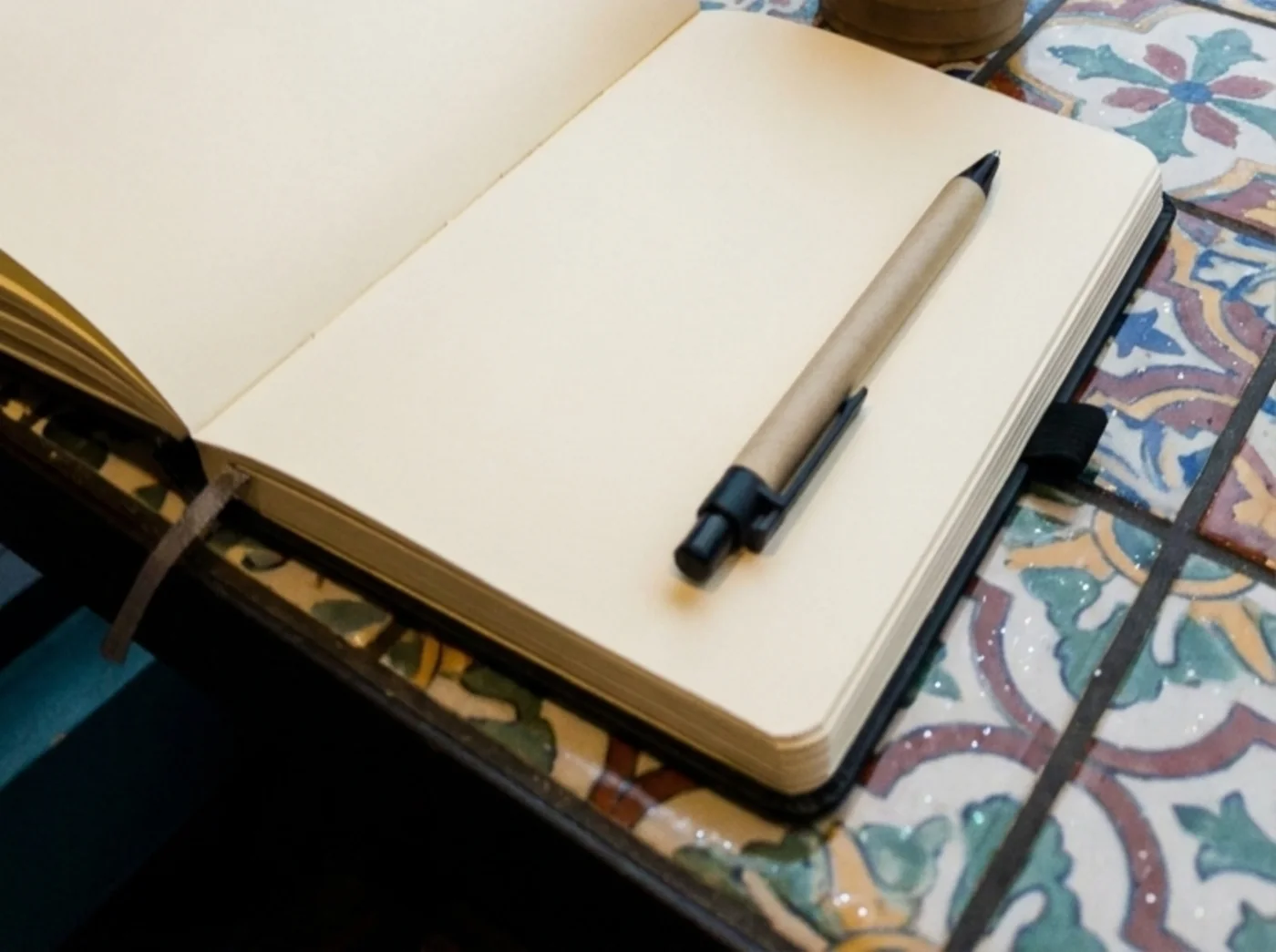
Some journalers want the opposite: the reflection guided by software, the words themselves on paper. For that group the useful features are prompts, a timer, and something to fill a too-quiet room, with no text box asking for the entry. Decide which group you are in first, and the list below sorts itself.
The problem people who journal on paper actually report is narrower. You sit down with the journal open, and you do not know what to put on the page. What helps there is a good prompt and a boundary on the time, which is a much smaller job than a diary app performs.
- You want to type and search your entries later: Day One, Notion, or a notes app.
- You already journal on paper and get stuck on what to write: an app that gives you prompts and a timer.
- You want your writing to stay off the internet entirely: keep it on paper and use an app that never asks for the text.
Day One: the most polished typed journal
Day One is a polished digital journal app. You open it, type, and your entry is saved with the date, location, and photos if you choose. It has a clean interface, solid sync, and a long track record, and it includes a daily writing prompts feature.
Its prompts are daily sentence starters rather than structured multi-session programs, and there is no session timer or ambient audio layer. If you want a searchable digital archive of your life, this is the strongest option on the list.
Best for: people who want a polished digital diary with photos and location tagging, with prompts as a bonus rather than the point.
Apple Journal: the free default for iPhone owners
Apple Journal comes free with the iPhone (iOS 17.2 or later) and now runs on iPad and Mac as well. You type or dictate entries, attach photos, video, audio, and locations, and on-device intelligence suggests moments to write about. Entries are end-to-end encrypted in iCloud, and you can print or export them.
For a typed journal at zero cost it is hard to argue with, and for many iPhone owners it is the sensible first stop. It is a storage journal at heart: guidance goes as far as suggested moments, without themed programs, session timing, or structure aimed at a specific topic you want to work through.
Best for: iPhone owners who want a free, private, typed journal with photo memories built in.
Daylio: mood tracking without the writing
Daylio is a journal you keep "without having to type a single line," as Daylio's App Store listing puts it. You log your mood and activities by tapping icons, and the app turns those taps into charts and streaks. It is free with an optional premium tier, on iOS and Android.
That puts it closer to habit tracking than to writing. If sentences feel like a chore and you mostly want to spot patterns in your moods, Daylio removes nearly all the friction. The reflection that comes from actual writing is a different job, and Daylio does not try to do it.
Best for: people who want to track moods and habits in seconds a day, with writing optional.
Reflection: strong typed daily prompts
Reflection is a daily journaling app with a clean UI, rotating daily questions, and a library of guided journals. It is well-designed and easy to use, and the prompts are thoughtful across a range of topics.
Your answers are typed into the app and stored there, which is exactly what some people want and exactly what others are trying to avoid for sensitive topics.
Best for: people who want a low-friction typed daily habit with good prompt variety.
Journal Party: the app you never write into
Journal Party takes the other path from everything above. The app runs the session: a prompt on screen, a countdown timer, optional ambient audio, and hundreds of programs organized by theme, from gratitude and focus to anxiety, grief, and shadow work. You write by hand in your own journal, so the most personal part of the practice never becomes app data.
When a program touches sensitive territory like grief, anxiety, or identity, it is labeled in the library. You write on paper. Journal Party never sees what you write. Journal Party supports reflection and habit-building. It is not therapy or a substitute for professional care. In crisis? Call or text 988 (US) or visit findahelpline.com.
Best for: people who write by hand, people who get stuck on what to write about, and anyone who does not want vulnerable entries stored in software.
Where Journal Party is the wrong pick
If you want to reread and search old entries on your phone, attach photos, or track moods with taps instead of sentences, pick Day One, Apple Journal, or Daylio. Journal Party has no place to type an entry, so it cannot give you a digital archive.
Choose the format you want to use: typed entries, mood tracking, or writing by hand with prompts.
How to try Journal Party
Live guided sessions run on YouTube most Wednesdays at 6pm PT, and the journal prompt of the day is public. The full program library is part of Premium. Premium is $97/year after 14 days free, or $12/month after 7 days free. Cancel anytime.
What to look for in an app you use alongside a paper journal
The test is whether the app fits into a session you were going to have anyway. It should be usable one-handed while a pen is in the other, readable at arm's length on a desk, and finished when your writing is finished.
- Prompts organized by what you need today, not one generic prompt of the day.
- A timer built into the session, so you stop at a deliberate point instead of trailing off.
- No text box asking for your entry, and no account that stores what you wrote.
- Optional audio, because a lot of handwritten journaling happens in a quiet room that feels too quiet.
- Programs that run across several sessions, so a theme develops instead of restarting daily.
Journal Party vs typed journaling apps
| Criterion | Journal Party | Typical alternative |
|---|---|---|
| Where your words live | On paper, in your own journal. Entries are never typed into or stored by the app. | Inside the app, as stored digital entries you can search and sync. |
| What the app does | Runs the session: prompts, countdown timer, optional ambient audio, hundreds of programs. | Stores and organizes entries; prompts are usually a side feature. |
| Mental health content | Sensitive-topic programs are labeled in the library. | Varies by provider, so check who made the content. |
| Price | $97/year (14 days free) or $12/month (7 days free). | Ranges from free built-in apps to subscriptions; check current pricing per app. |
Frequently asked questions
What is the best journaling app?
It depends on where you want your words to live. Day One is the most polished app for typed, stored entries. Apple Journal is a capable free option on iPhone. Daylio suits mood tracking with minimal writing. Journal Party is the pick for people who write by hand: it provides prompts, timers, and ambient audio while you write on paper.
What is the best journaling app if I write by hand?
Journal Party. It is built specifically for handwriting: the app delivers the prompt, keeps the time, and plays optional ambient audio while you write in your own journal.
Does Journal Party store my journal entries?
No. Journal Party delivers prompts, timers, and optional ambient audio, and you write your responses in your own journal.
Do I need an app at all if I journal on paper?
No. A paper journal and a pen are enough, and plenty of people never use anything else. An app earns its place only if it solves the part you find hard, which for most people is deciding what to write about and knowing when to stop.
Sources
Sources checked October 2026
- Day One on the App Store (Apple)
- Day One official site
- Journal on the App Store (Apple)
- iCloud data security overview (Apple Support)
- Daylio on the App Store (Apple)
- Daylio on Google Play
- Reflection official site
We make Journal Party.
App names are trademarks of their respective owners; Journal Party isn't affiliated with or endorsed by them.
Ready to journal with guidance instead of a blank page? Premium unlocks hundreds of programs with prompts, timers, and ambient audio while you write in your own journal.
See Premium plans