
Doomscrolling
How to Stop Doomscrolling (and What to Write Instead)
How to stop doomscrolling: add a pause before the feed opens, then use the minute you get back to write in a paper journal. A short habit you can keep.
Updated November 25, 2026By the Journal Party team
Key takeaways
- A feed has no last page, so the stopping cue has to come from you or your setup.
- Phone settings are the first layer: limits, fewer notifications, apps off the home screen.
- The minute you win back needs a job. A short handwritten prompt is one that fits.
- Nights are their own case: charge the phone out of reach and keep the journal by the bed.
Why the loop is so sticky
A book has chapters and a show has an end credit. A feed has neither. Every swipe loads something new, so there is never a moment where the app itself tells you that you are done.
That is where "just one more" comes from. Each post is short, the next one is already there, and stopping always feels like it could wait a few seconds. Those seconds add up.
If you notice that late-night scrolling leaves you wired or flat, that is worth paying attention to. You don't need a diagnosis to decide you want your evenings back.
Put friction on the open, not on your willpower
Trying harder rarely beats a well-designed feed. Changing what happens when you reach for the phone works better, because it doesn't rely on deciding again every time.
- Set a daily limit on the apps that pull you in, using Screen Time on iPhone or Digital Wellbeing on Android.
- Turn off notifications from those apps, so the phone stops inviting you back.
- Move them off your home screen, or into a folder on the last page, so opening them takes a few extra taps.
- Sign out of the worst one on your phone and keep it for a laptop, where scrolling is less comfortable.
If you'd like the moment you reach for your phone to leave you with something, try Gratlock, a gratitude journal from the team behind Journal Party. It asks for one grateful sentence right when you reach for your phone: you choose what locks, like Instagram or TikTok, and the app opens once you've written one good thing. It's a simple way to start every scroll with something good, and over time those sentences become a gratitude journal full of the little things in your days. No account. Your journal never leaves your phone.
Use the minute you just got back
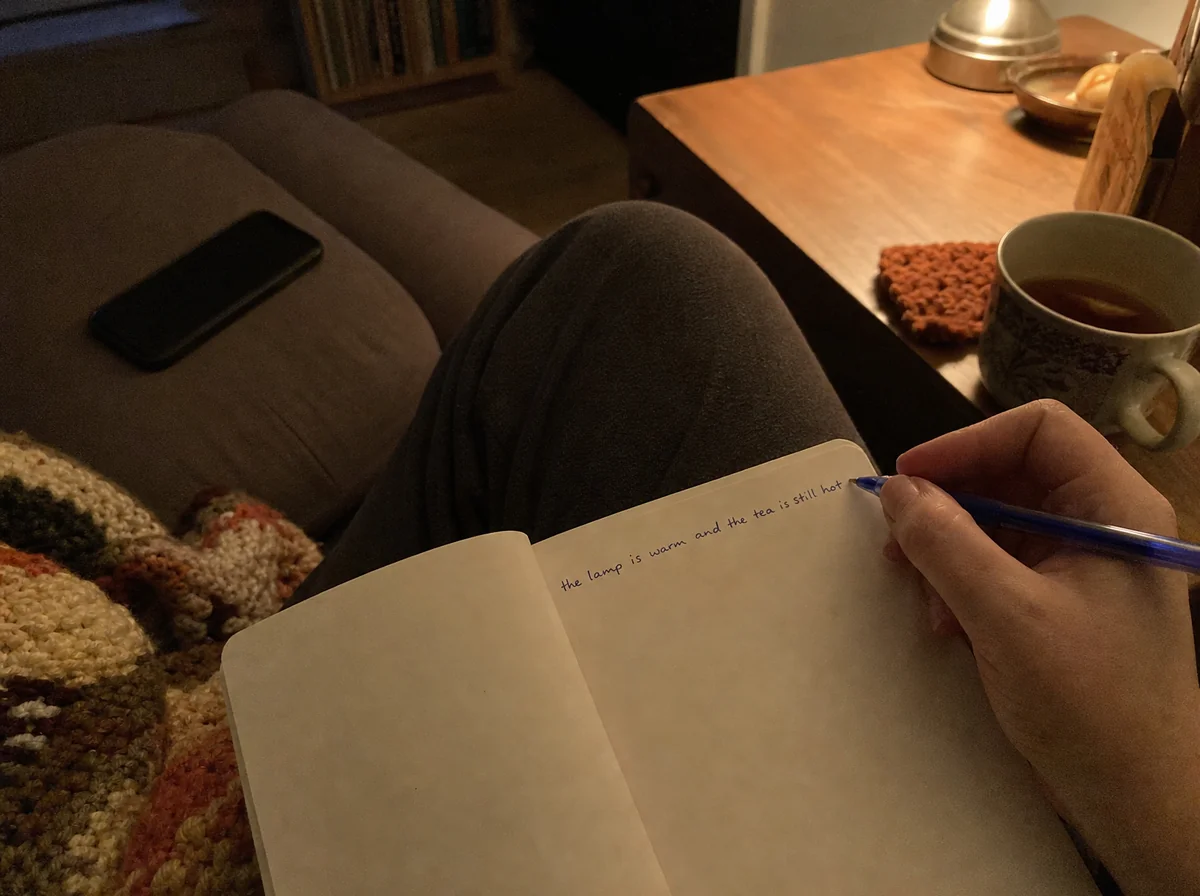
Closing the app leaves a small gap, and an empty gap is easy to fill with the same feed. Give it a job instead: a short handwritten session with one specific prompt, a timer, and a notebook you keep within reach.
Set the timer for three to five minutes, answer one prompt in your own words, and stop when it rings. The page is yours, and nothing you write has to be shared or saved anywhere else.
- What pulled me into the feed just now, and what was I actually looking for?
- What can I see, hear, or smell in this room right now?
- What is one specific good thing from today, with one detail?
- Who would I rather be talking to than scrolling past?
- What do I want the next hour to feel like?
For more short sessions, try these 5-minute journal prompts.
If you want the minute to go toward something you appreciate, these gratitude journal prompts are a good place to start.
Nights are a special case
Late-night scrolling is one of the most common versions of this habit, and it's the hardest to catch, because you're tired and the phone is already in your hand.
The simplest fix is physical. Charge the phone across the room or outside the bedroom, and keep your journal and a pen on the nightstand instead. If you reach for something in bed, the notebook is what is there.
For a few lines before sleep, use these evening journal prompts.
A simple 7-day try
Keep the first week small enough that you will actually do it.
- Pick the one or two apps that pull you in most.
- Add one layer of friction to them: a limit, no notifications, or off the home screen.
- Choose one paper prompt from the list above and write it on the first page of your notebook.
- Decide where the notebook lives: by the couch, on your desk, or on the nightstand.
- Each time you close the feed, write for a few minutes.
- At the end of the week, reread what you wrote and keep what worked.
Missed days are expected. Pick it back up the next time you notice you are scrolling.
Where to go next
If you want a longer list of things to do once the phone is down, read what to do instead of doomscrolling.
If you would like to turn the minute into a gratitude practice on paper, start with our guide to gratitude journaling.
Frequently asked questions
Why is doomscrolling so hard to stop?
A feed has no natural stopping point. Every swipe loads something new, so the app never tells you that you are done. That is why friction and a ready replacement tend to work better than willpower alone.
Does deleting the apps work better than locking them?
Deleting works if you are ready to go without the app entirely. Many people still need an app for messages, work, or family, so a limit, fewer notifications, or a pause before it opens is easier to keep.
What should I write when I put the phone down?
One specific prompt is enough. Try "What pulled me into the feed just now?" or "What is one good thing from today, with one detail?" Set a short timer and stop when it ends.
Is a one-sentence journal enough, or do I need a longer entry?
One honest sentence counts. On days when you have more time, keep going for five minutes. The habit matters more than the length of any single entry.
How do I stop scrolling at night without staying wide awake?
Charge the phone outside reach and keep a notebook by the bed. Write a few lines from an evening prompt instead of opening a feed, then turn the light off.
What if I unlock the app and fall back into the feed anyway?
That happens. Notice it without beating yourself up, close the app, and write one line about what pulled you in. Over a week, those lines show you which moments need more friction.
Bring your own journal. We'll bring the prompts, the timer, and the music. Start with a gratitude prompt the next time you close the feed.
Browse gratitude prompts