
Gratitude journal apps (2026)
Gratitude journal apps, sorted by how you actually write
Gratitude journal apps compared by how you write: typed, paper, or one sentence before the apps you pick open. What each does, and who it suits.
Updated November 2, 2026By the Journal Party team
Key takeaways
- Typed apps differ mostly in extras: prompts, photos, reminders, sharing and sync.
- If you like writing on paper, look for guidance rather than a typing screen.
- If your phone is the problem, a gratitude prompt before the apps you pick open can help.
How to choose a gratitude journal app
Start with where you already write. If you type notes all day, a typed app will feel natural. If you keep a notebook, an app that guides you without asking you to type may fit better. If you mean to journal but keep ending up in your feed, it's worth looking at when the app asks you to write, as well as what it asks.
- Where entries live: on your phone, synced to a cloud account, or on paper.
- Prompts or a blank field: some apps hand you a question, others leave the page empty.
- Reminders: a notification at a set time, or a prompt tied to something you already do.
- Privacy: read each app's listing for what it says about storage and sharing.
- Extras you'll actually use, like photos, voice notes, streaks or widgets.

Typed gratitude journal apps
Each of these has you write your entries in the app. The details below come from each app's own App Store page, checked November 2026. Features change, so it's worth checking the listing before you download.
Delightful: Gratitude Journal
- Built around writing three good things each day.
- Its listing mentions iCloud sync across Apple devices, photos on entries, home screen widgets, prompts in six categories, and streak tracking.
- Good fit if you want a simple daily three-things habit on iPhone and iPad.
Gratitude: Self-Care Journal
- A gratitude journal with reminders and prompts, plus photos and voice-recorded entries.
- The same app also includes affirmations, vision boards and a daily feed of quotes and stories.
- Good fit if you want gratitude alongside affirmations and vision boards in one place.
Gratitude Plus
- A private gratitude journal with prompts, reminders and mood tracking.
- You can also create or join Gratitude Circles with a partner, family or friends, and browse a public feed of other people's gratitude posts.
- Good fit if you'd like to share gratitude with people close to you.
365 Gratitude Journal & Diary
- Daily prompts, mood tracking and a digital "gratitude jar."
- Its listing also describes affirmations, a community space and an AI coach feature.
- Good fit if you want prompts plus a community around the habit.
Five Minute Journal app
- From Intelligent Change. The listing says the app was designed to capture the experience of the physical Five Minute Journal.
- It has guided morning and evening entries, reminders, daily quotes and weekly challenges.
- Good fit if you like a short, fixed structure at the start and end of the day.
If you want a general journal that you also use for gratitude, Day One lists daily prompts, templates, photos and audio, and end-to-end encryption.
If you journal on paper: Journal Party
Journal Party is for pen & paper journalers. You open a guided gratitude program, and the app gives you one prompt at a time, a timer and music or soundscapes. Nothing you write goes into the app.
Bring your own journal. We'll bring the prompts, the timer, and the music.
For a daily habit, try Journaling for Gratitude.
Or try Growing in Gratitude when you want to slow down and notice more. Both are part of a library with hundreds of programs.
If your phone is the problem: Gratlock
Full disclosure: Gratlock is made by the team behind Journal Party.
Gratlock, an iPhone gratitude journal, asks for a grateful sentence before the apps you pick open. It's for days when you mean to reflect but end up scrolling.
You pick the apps that pull you in using Apple's Screen Time picker. When you open one, Gratlock asks what felt good today. Write one grateful sentence and those apps open for the window you chose, from 15 minutes to the rest of the day. Your sentences build into a private journal stored on your iPhone, and there's no account to create.
Do you need an app at all?
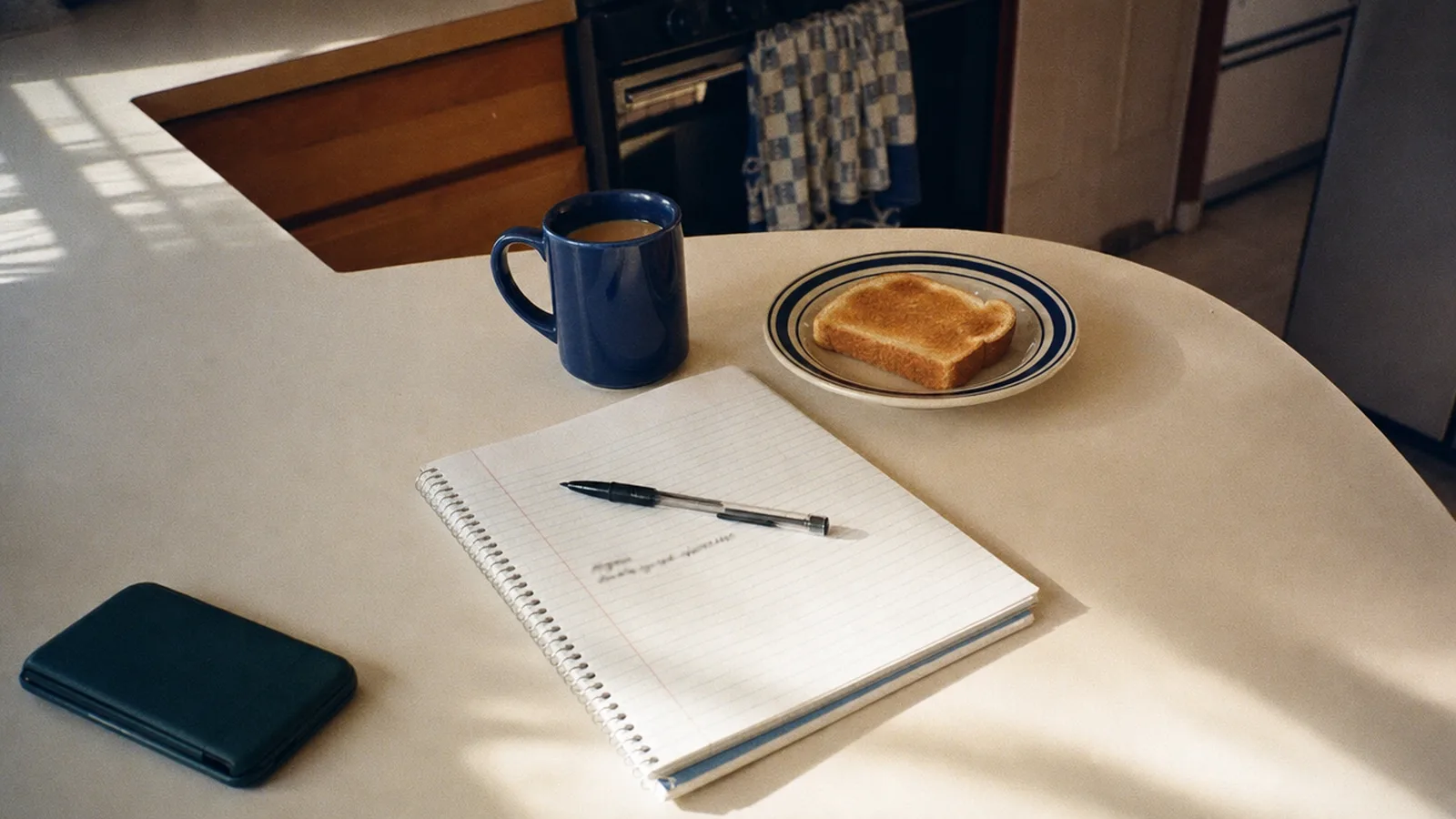
No. A notebook works fine. You could write a few specific things at a time you already have, like over coffee or before bed, and add why each one mattered. An app can help if it removes a step you keep skipping, like knowing what to write or remembering to start.
Here's how to start a gratitude journal, step by step.
Not sure what to write yet? Browse our gratitude journal prompts.
Or start with a quick list of things to be grateful for.
Three ways gratitude apps work
| Criterion | Journal Party | Typed gratitude apps |
|---|---|---|
| Where you write | In any notebook. Nothing you write goes into the app | Inside the app |
| What the app gives you | Guided programs with prompts, a timer and music | Prompts, reminders and extras that vary by app |
| Best for | People who like pen and paper | People who'd rather type, or add photos and voice notes |
Frequently asked questions
What is the best gratitude journal app?
It depends on how you write. If you type, compare the typed apps above on prompts, reminders and sharing. If you write on paper, Journal Party guides the session while you write in a notebook. If your phone pulls you away, Gratlock asks for a grateful sentence before the apps you pick open.
Is there a gratitude app that blocks other apps?
Yes. Gratlock, made by the team behind Journal Party, uses Apple's Screen Time to ask for a grateful sentence before the apps you pick open. One sentence opens them for a window you set.
Can I keep a gratitude journal on paper and still use an app?
Yes. Journal Party gives you guided gratitude prompts, a timer and music, and you write in any notebook. Nothing you write goes into the app.
Are gratitude journal apps private?
It varies, so it's worth reading each app's listing. For example, Day One's listing mentions end-to-end encryption, Delightful syncs through your iCloud account, and Gratlock stores entries on your iPhone with no account. Gratitude Plus has a private journal and also lets you share with Circles and a public feed.
Do gratitude apps have prompts?
Most do. Delightful, Gratitude Plus, 365 Gratitude and the Gratitude: Self-Care Journal app all list prompts, and the Five Minute Journal app uses a fixed morning and evening format. Journal Party's prompts come in guided programs.
Sources
App details checked on each app's App Store page, November 2026.
- Delightful: Gratitude Journal on the App Store (Apple)
- Gratitude: Self-Care Journal on the App Store (Apple)
- Gratitude Plus on the App Store (Apple)
- 365 Gratitude Journal & Diary on the App Store (Apple)
- Five Minute Journal app on the App Store (Apple)
- Day One on the App Store (Apple)
Gratlock is made by the team behind Journal Party.
App names are trademarks of their respective owners; Journal Party isn't affiliated with or endorsed by them.
Prefer pen and paper? Open a guided gratitude program, set the timer and write in any notebook.
Start a session